

HireME
Practice interviews and scan resumes 100% offline with on-device AI.

and only on your phone.
There is no account to create. No cloud to sync to. No server involved at
any point. Everything you save is encrypted on your device and never
leaves it — because Authenix has nowhere to send it.
TWO-FACTOR CODES
Add an account by scanning its QR code or typing the key in by hand.
Authenix generates standard time-based one-time passwords (TOTP), so it
works with any service that supports authenticator apps — Google,
Microsoft, GitHub, Amazon and thousands of others.
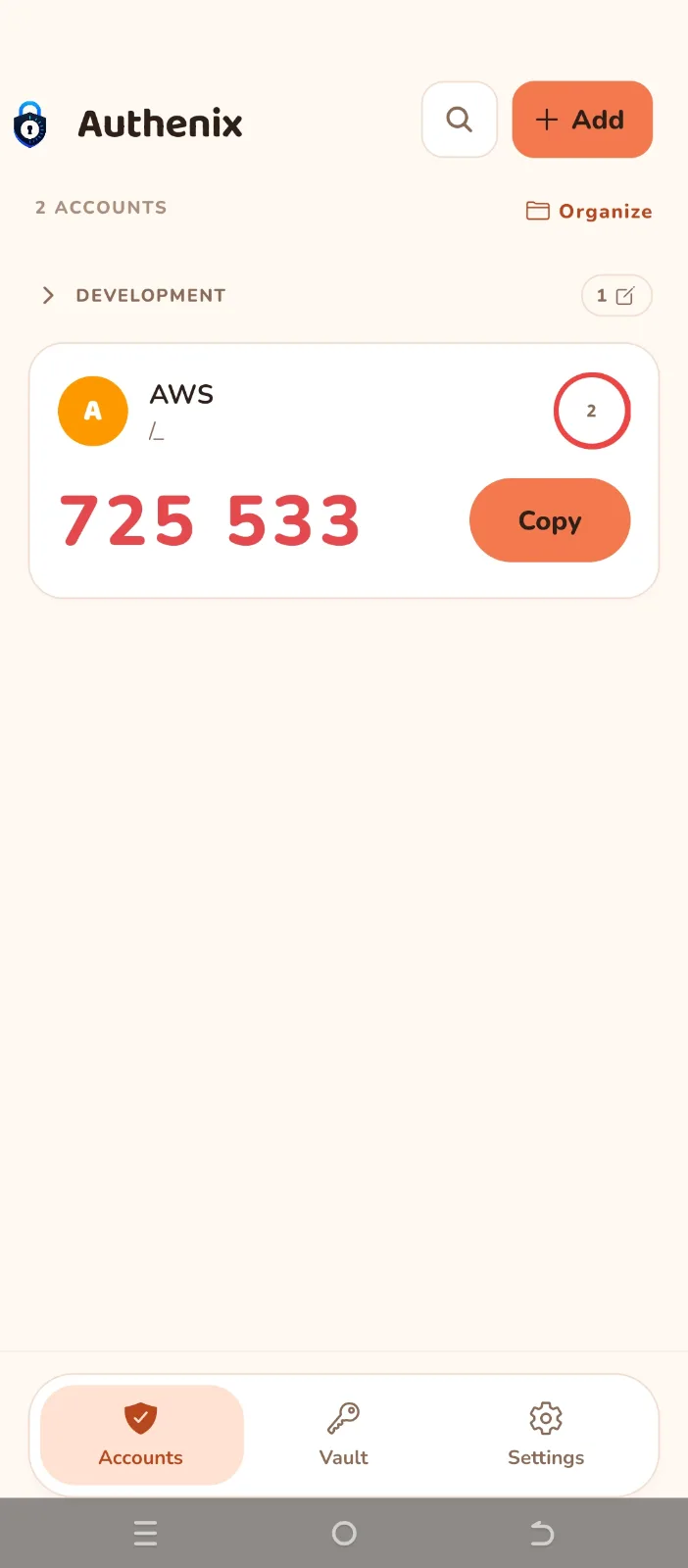
Tap a code to copy it. A countdown ring shows how long the current code
has left before it changes.
PASSWORD VAULT
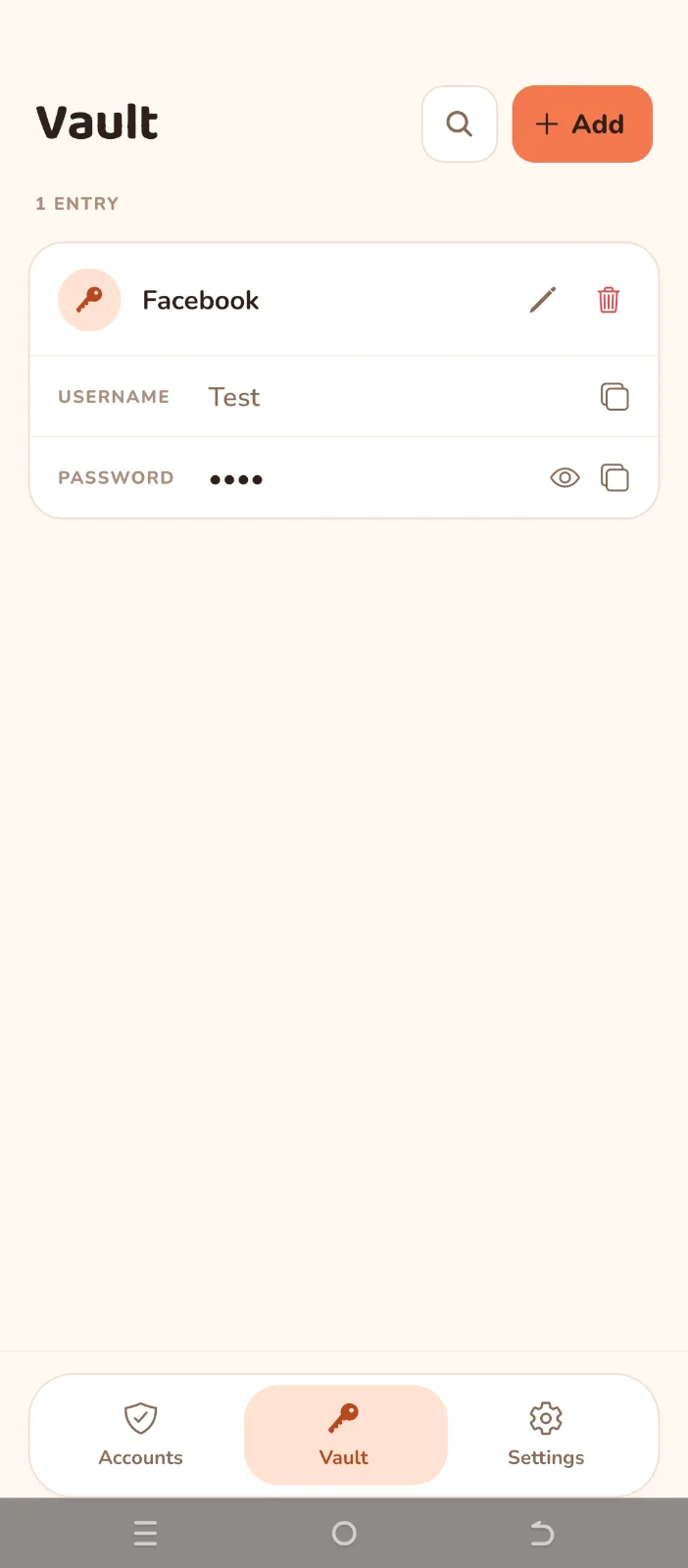
Keep your logins next to your codes. Each entry holds a title, a username
and a password — hidden until you choose to reveal it, and copied with a
single tap.
FOLDERS
Group your accounts and your vault entries into folders: Work, Personal,
Banking, whatever suits you. Fold a folder shut to keep the list clean
when you are not using it. Accounts and vault entries share the same
folders, so one folder holds both.
BACKUPS YOU CONTROL
Export an encrypted backup protected by a password you choose. Your
accounts, vault entries, folders and theme are encrypted with AES-256
before the file is ever written, then handed to your device's share sheet
so you can keep it wherever you like.
Your backup password is never stored. If you lose it, nobody can open the
file — not even the developer.
Your PIN and biometric settings are deliberately never included in a
backup, so restoring onto another device never carries your lock settings
with it.
LOCK IT DOWN
Protect the app with a PIN, your fingerprint or face, or both. Choose to
lock the moment you leave, or after 30 seconds, a minute, or five.
MAKE IT YOURS
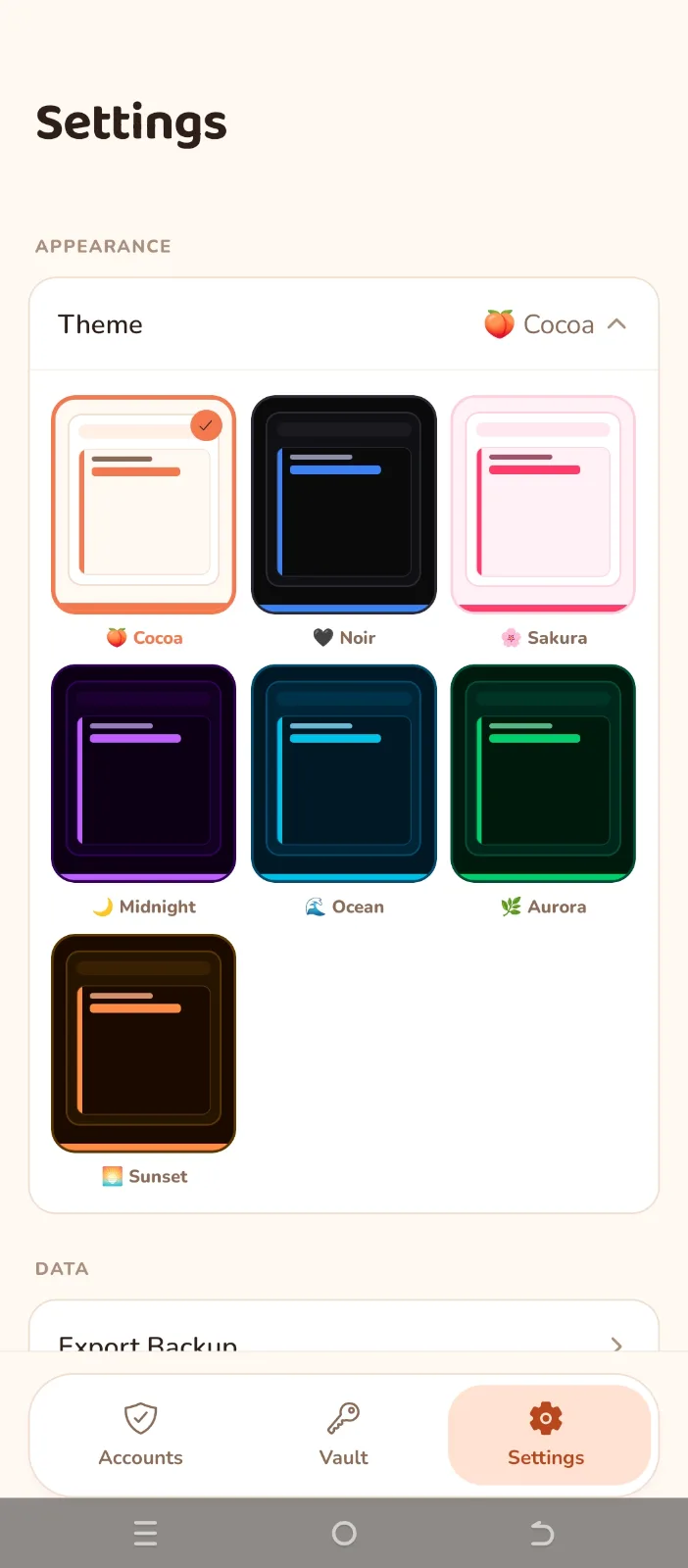
Seven themes, light and dark.
WHAT AUTHENIX DOES NOT DO
No ads. No analytics. No trackers. No third-party SDKs. No internet
permission at all.
Because everything lives only on your device, an encrypted backup is the
only way to move to a new phone or recover after losing this one. Please
export one and keep it somewhere safe.
Practice interviews and scan resumes 100% offline with on-device AI.
Your Personal co-pilot
Find what matters — when it matters.
Sign in to join the discussion.
Sign in to commentBased on 0 reviews


No comments yet. Start the discussion with something useful.