

DomoDomo
All in One Agentic Tool Hub


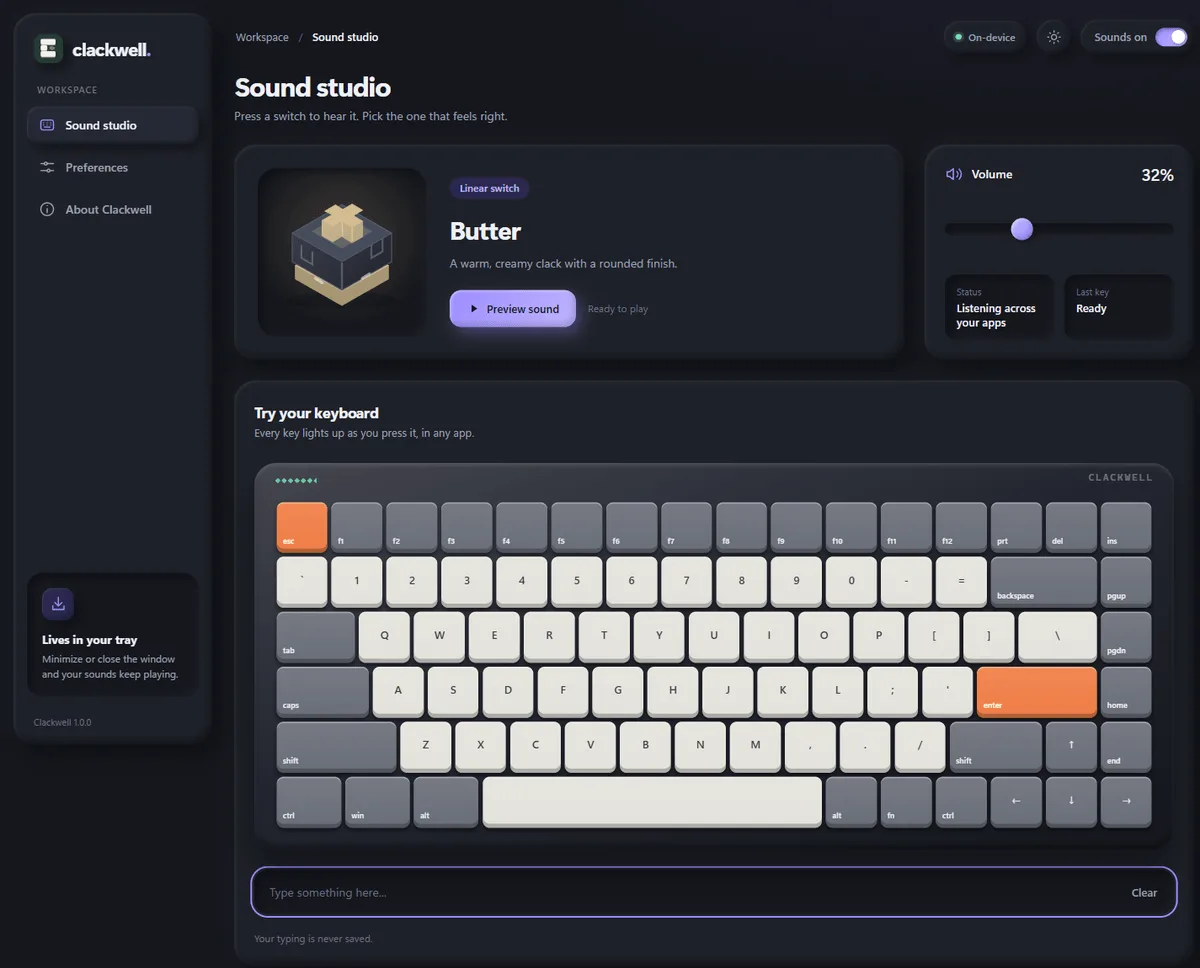
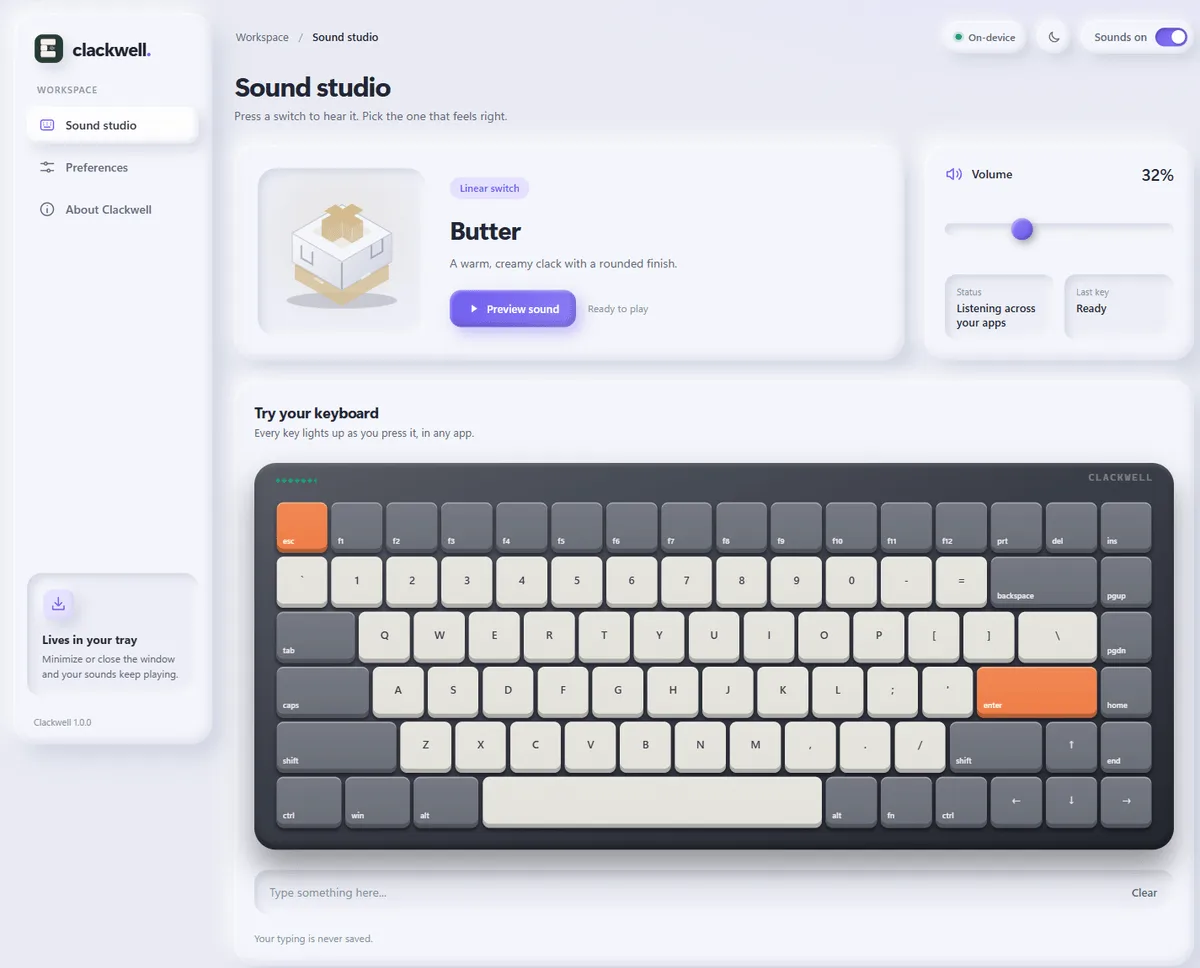
It runs from the tray, so you can close the window and keep typing. Sounds play through native Windows audio, so the click lands with your keypress instead of trailing behind it.
Nothing you type is recorded or sent anywhere. Clackwell only knows which physical key went down, so it can play a spacebar sound instead of a letter. No account, no ads.
One 3.6 MB file for Windows 11. Free.
All in One Agentic Tool Hub
Create cute, interactable, and so pretty digital gifts and love letters
Mechanical keyboard sounds for Mac & Windows
Sign in to join the discussion.
Sign in to commentBased on 1 review
This little app is honestly a lot of fun. I grabbed it to see what it was like, and the “Amber thock” sound by itself makes email typing feel better than it really should. It is small, about 3.6 MB. It sits in the system tray and does not bother you. Also, I do not hear any delay between my keys and the sound. The click matches my keystrokes right away, and that is the part most similar tools fail on. I also like that it runs on my machine, with no sign in and no account setup. No typing history, no log, just peace of mind. If you want that nicer mechanical keyboard vibe without paying for a whole keyboard, you should download it.


No comments yet. Start the discussion with something useful.