

DomoDomo
All in One Agentic Tool Hub


Circle to Search for your Mac — private, on-device, hotkey-fast.
native and local by default.
The problem: getting text, context, or answers off your screen usually means
screenshotting, uploading to some cloud tool, and hoping your data isn't kept.
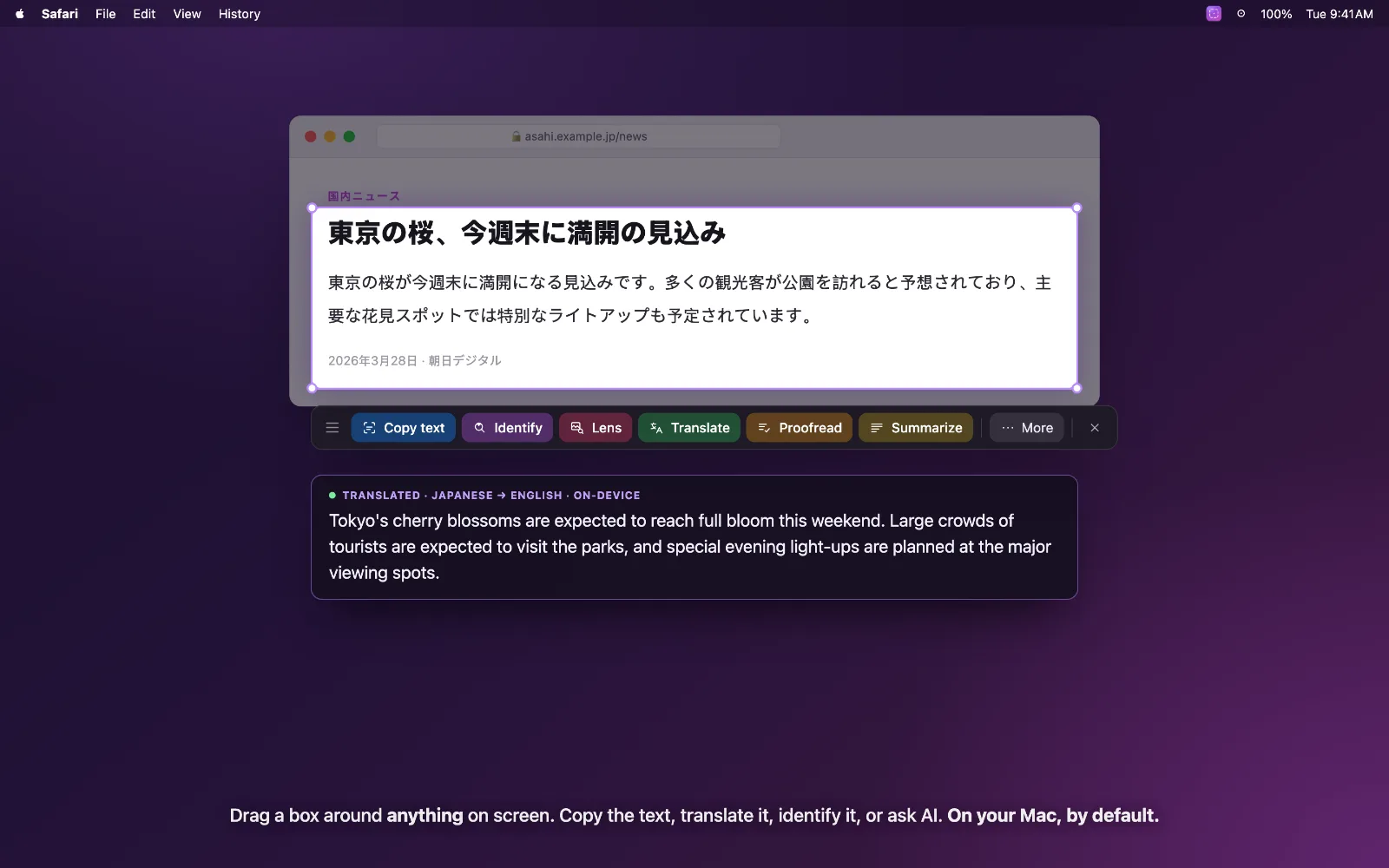
The solution: hit a hotkey (⌃⇧C), the screen freezes, you drag a box around
anything, and a toolbar pops up. From there you can:
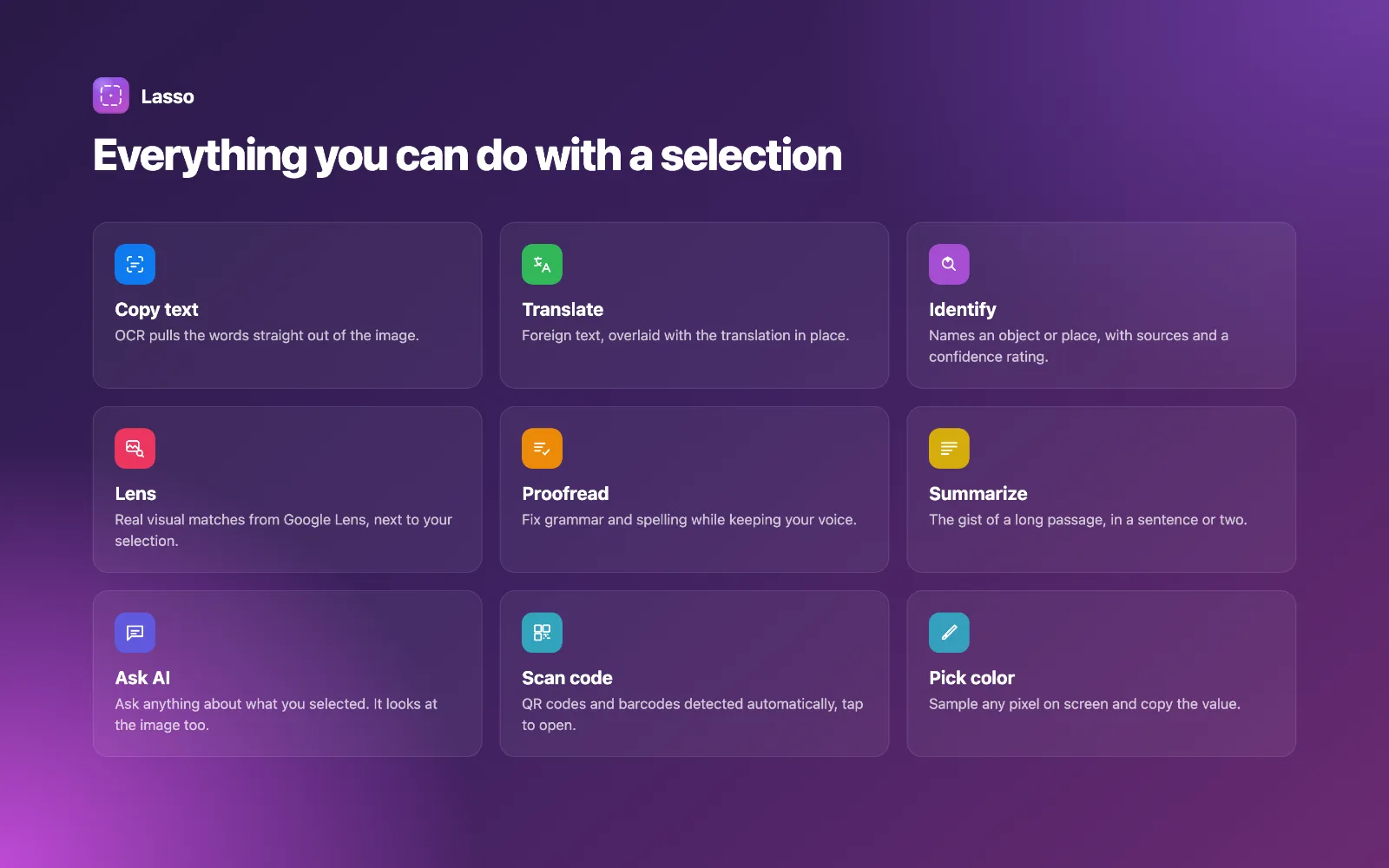
• Copy text — OCR pulls the words straight out of the image
• Translate in place — the translation overlays the original text where it sits
• Summarize / Ask AI — including questions about images with no text
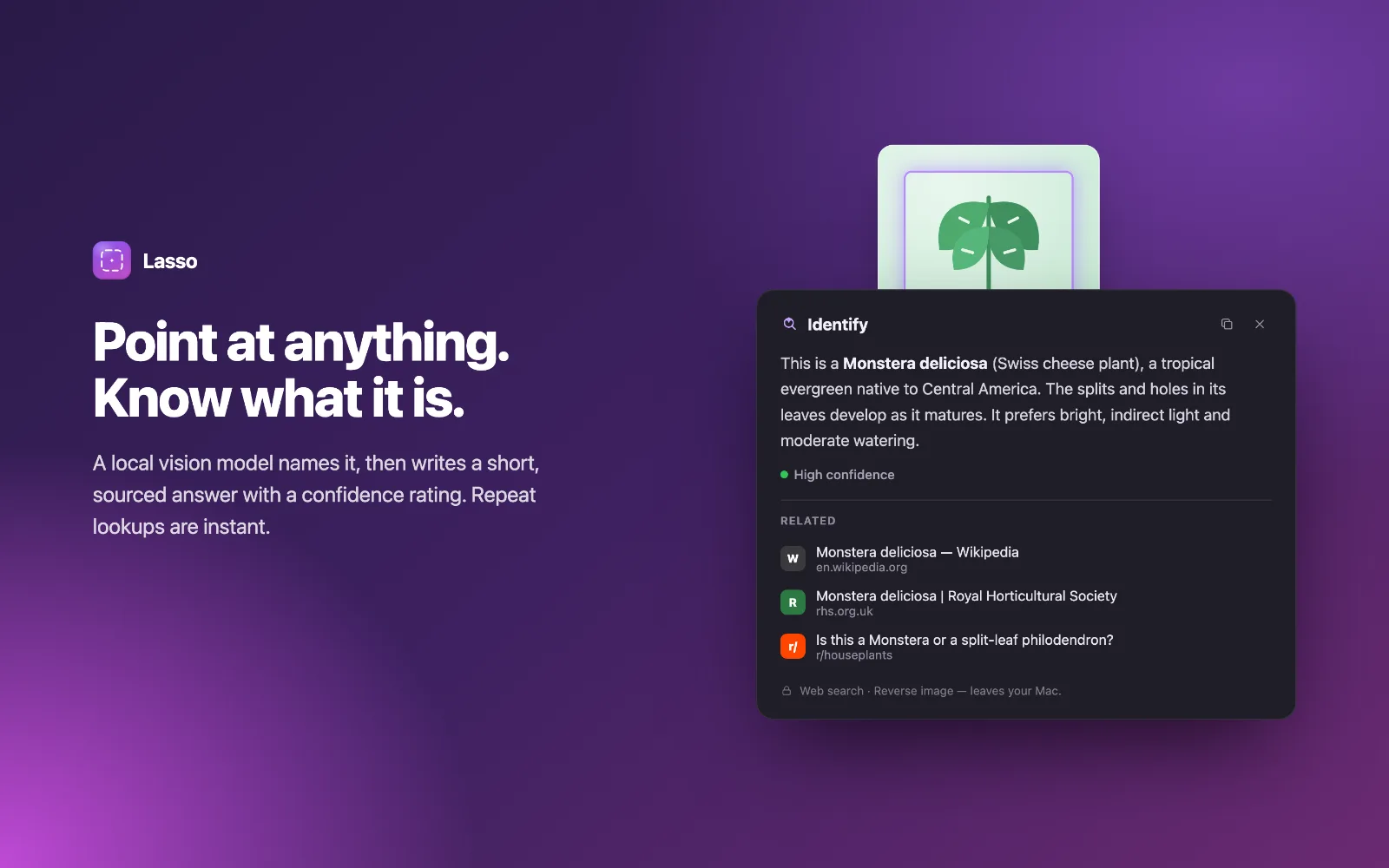
• Identify — point it at an object, product, or place for a sourced answer
• Google Lens, QR/barcode scan, and color picker
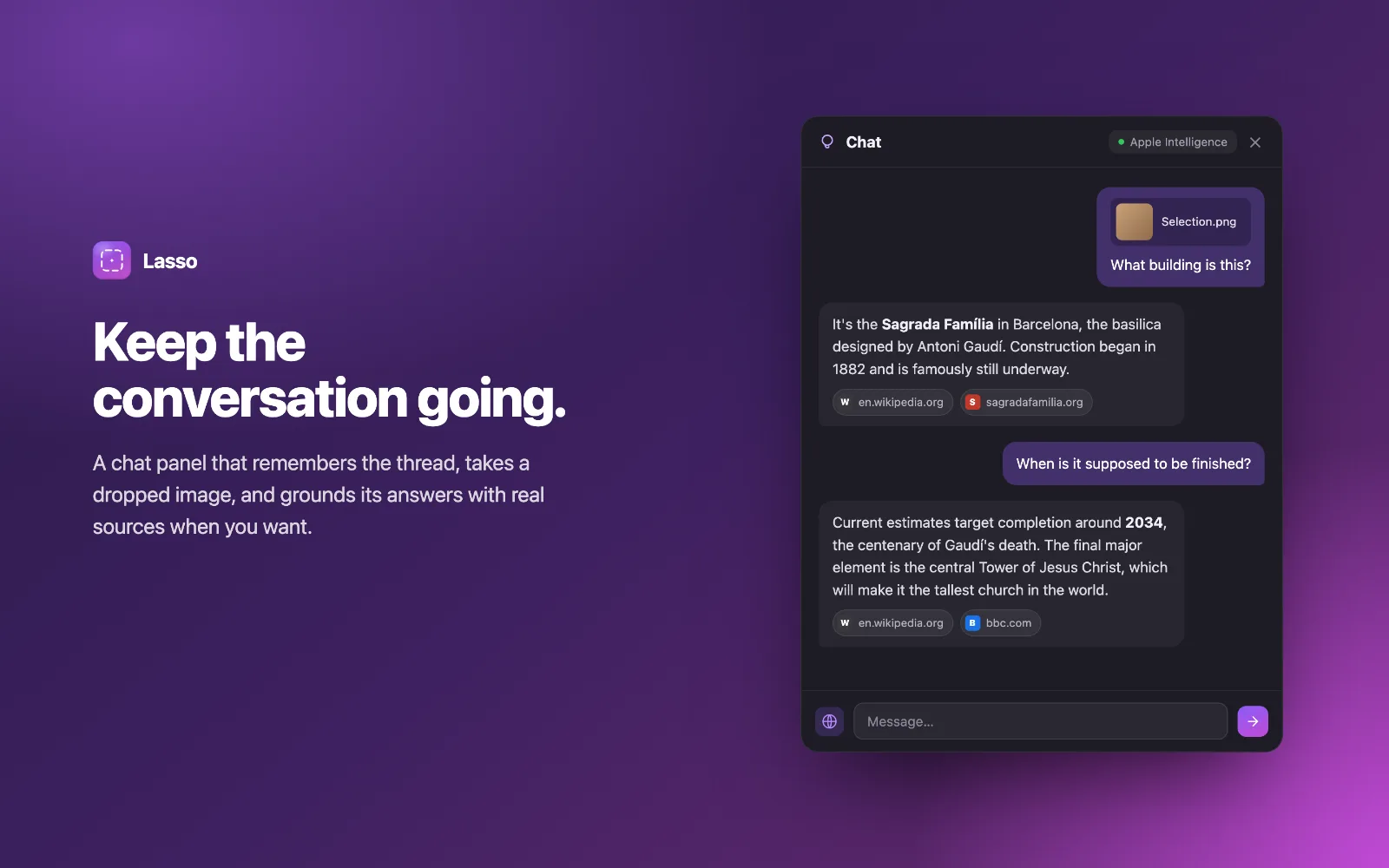
• A persistent multi-turn chat panel (⌃⇧A) for follow-up questions
What's unique: it's local by default. Text, summaries, and vision all run
on-device via Apple Intelligence, Ollama, or MLX — nothing leaves your Mac
unless you opt in. There's a Local-only mode that blocks every network call
except your chosen model, for managed/work Macs. API keys live in the macOS
Keychain. Cloud models (OpenAI-compatible, Anthropic) are supported but strictly
opt-in.
All in One Agentic Tool Hub
Create cute, interactable, and so pretty digital gifts and love letters
Mechanical keyboard sounds for Mac & Windows
Sign in to join the discussion.
Sign in to commentBased on 0 reviews


No comments yet. Start the discussion with something useful.