Notch Pomodoro

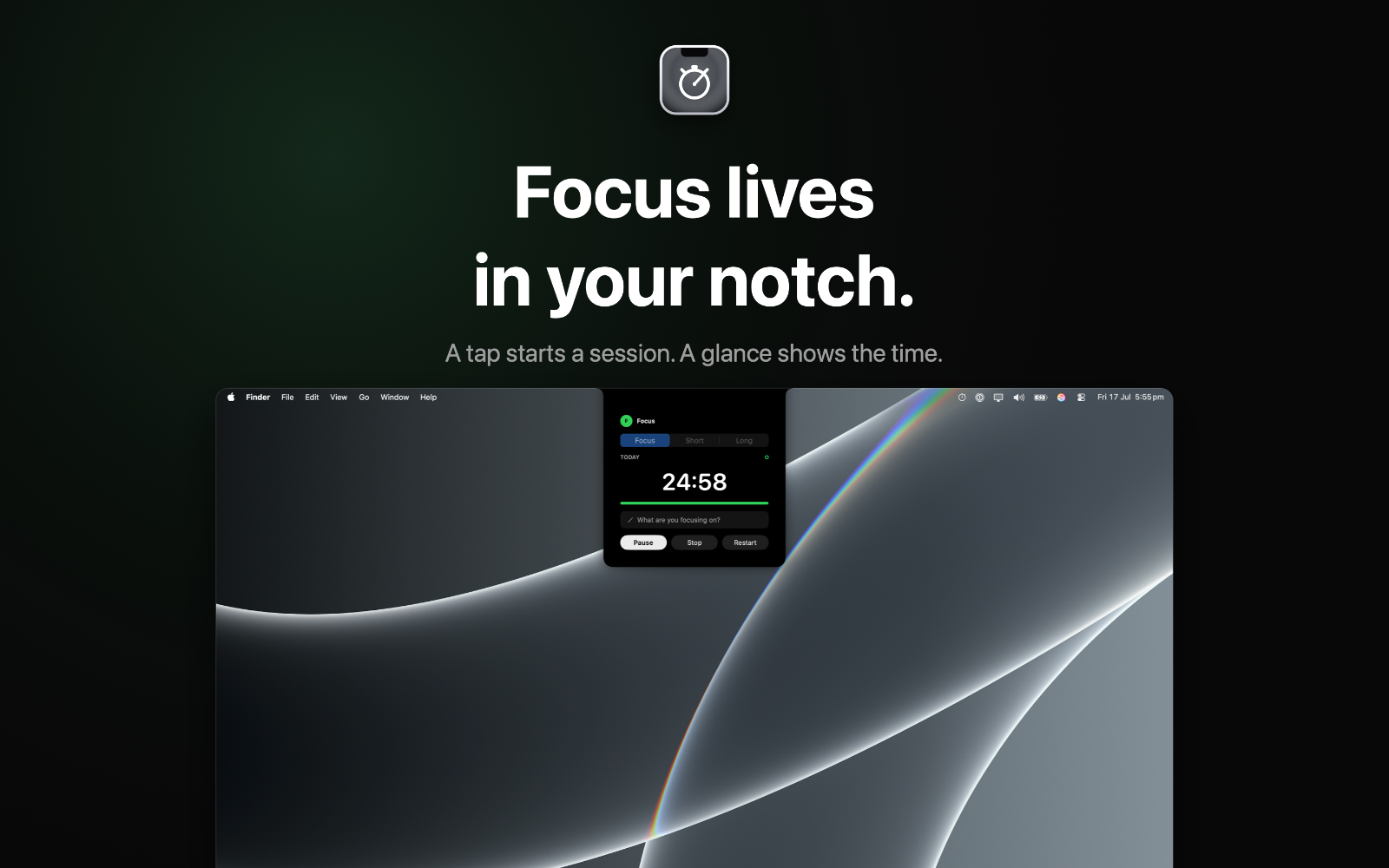
Focus lives in your notch

About Notch Pomodoro

A Pomodoro timer that lives in your MacBook's notch. Focus at a glance, your way, and export each day to Markdown. Beautifully simple. Completely offline.


Notch Pomodoro turns the space around your MacBook's notch into a focus timer. Start a session and a small pill sits quietly at the top of your screen, counting down. Click it to expand a full panel, and it tucks away again when you're done. No windows to manage, no Dock icon, no clutter.


BUILT FOR FOCUS

  • Run focus, short-break, and long-break intervals in the classic Pomodoro rhythm
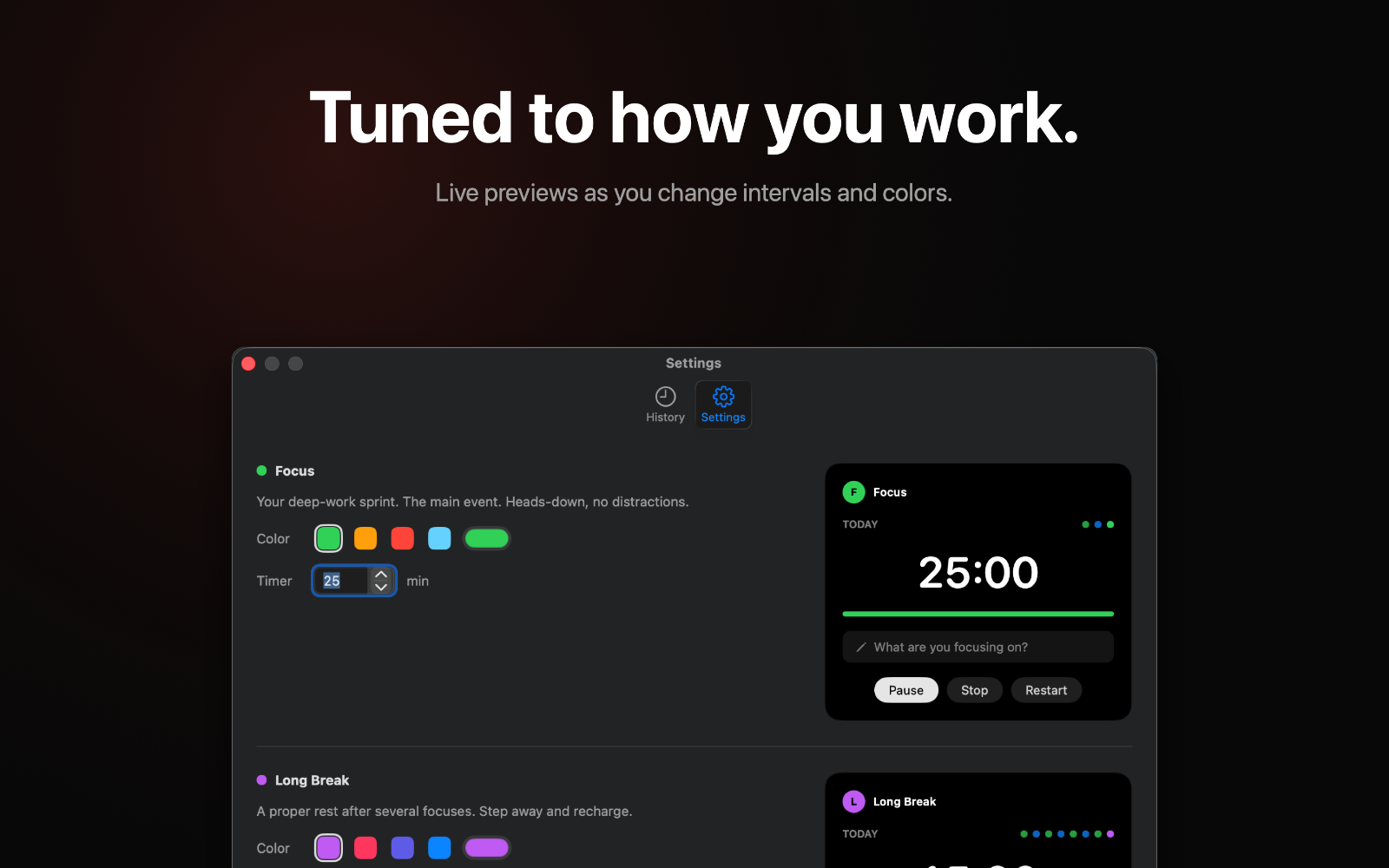
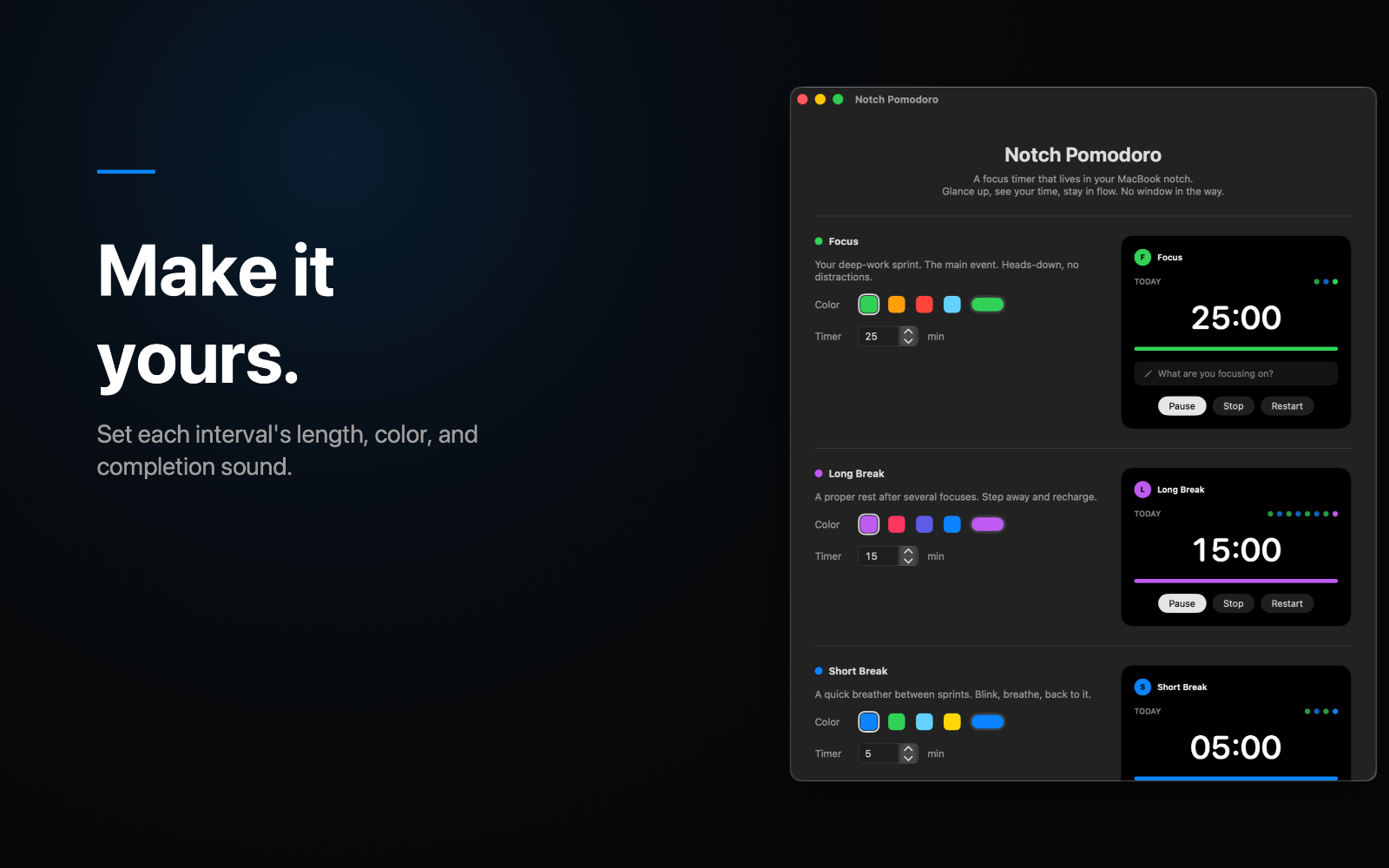
  • Customize each interval's length and color to match how you work
  • Jot a quick note on what you focused on, saved with the session
  • A gentle chime, a notification, and a "time's up" pill alert let you know a session ended, even when the panel is collapsed


LIVES WHERE YOU LOOK

  • Fits snugly around the notch on modern MacBooks
  • On Macs without a notch, or on an external display, it draws a tidy simulated notch so it looks right everywhere
  • Follows you to whichever display you're working on


YOUR WORK, WRITTEN DOWN

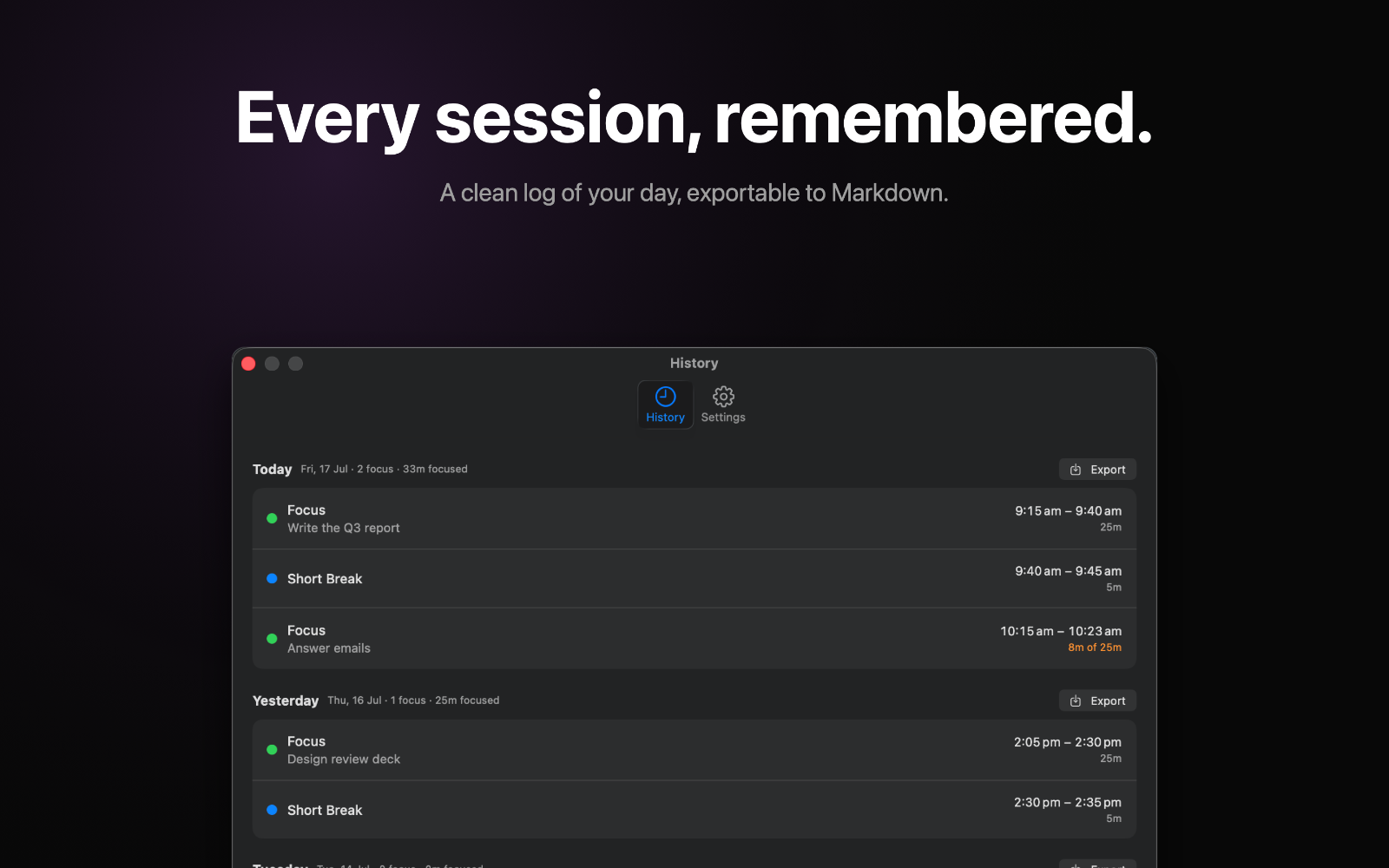
  • Every session is logged in a clean History view
  • Export a daily Markdown summary to any folder you choose, perfect for Obsidian, a notes app, or a work journal


PRIVATE BY DESIGN

  • 100% offline. No account, no sign-in, no network
  • Your sessions stay on your Mac. The only thing that ever leaves is the Markdown summary you export yourself


MADE FOR macOS

  • Native menu-bar app that stays out of your way
  • Full Light and Dark mode support
  • VoiceOver labels, Reduce Motion support, and full keyboard control


Focus quietly. Notch Pomodoro keeps your timer one glance away, and everything else out of sight.
Screenshots

4

Comments

0

No comments yet. Start the discussion with something useful.

Reviews

0
0.0

Based on 0 reviews

0 reviews
0 reviews
0 reviews
0 reviews
0 reviews

Review Notch Pomodoro?

Leave a review