

Letter4U
Create cute, interactable, and so pretty digital gifts and love letters
Social Kenji Buena


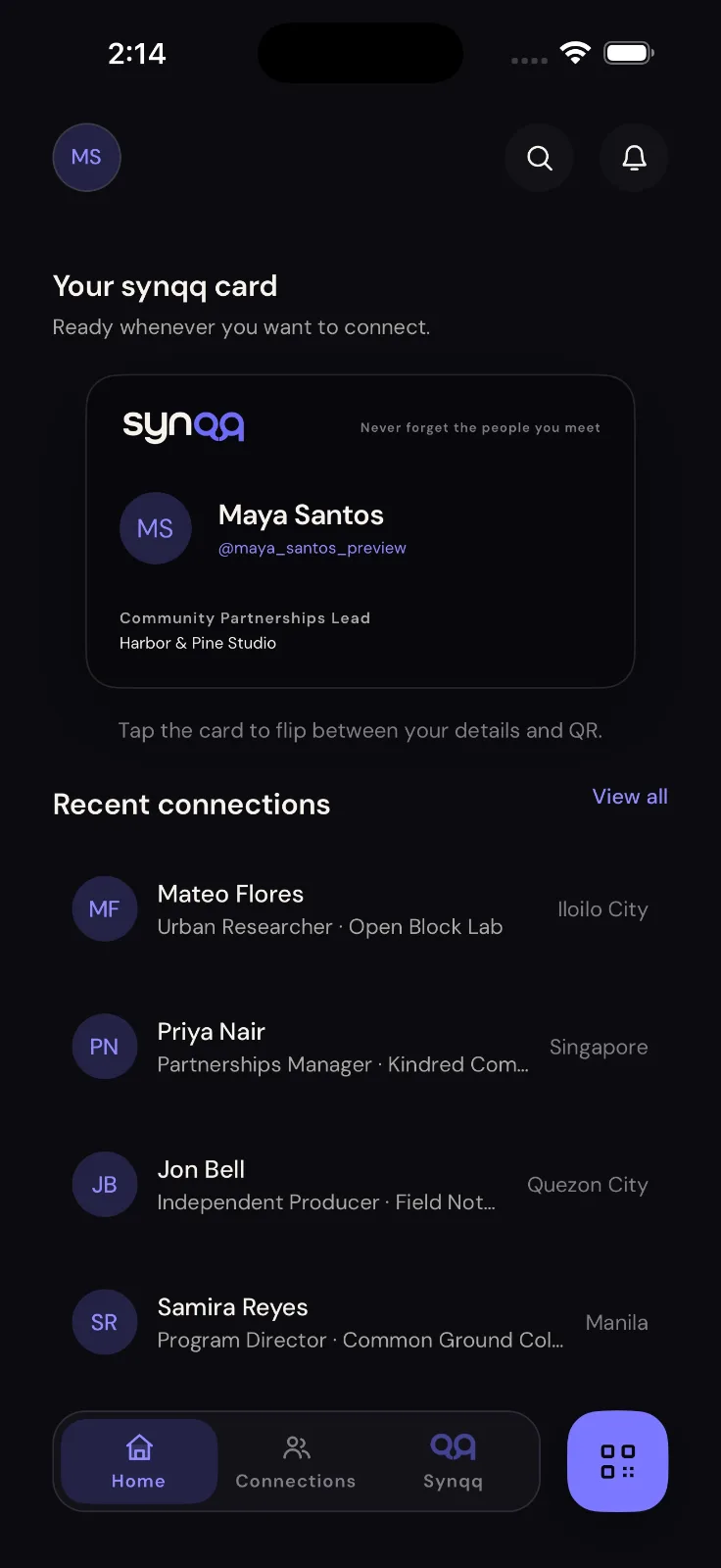
Synqq is a private relationship memory for the people you meet. Save who they are, where you met, why the connection mattered, and what you want to do next.
Connect in seconds
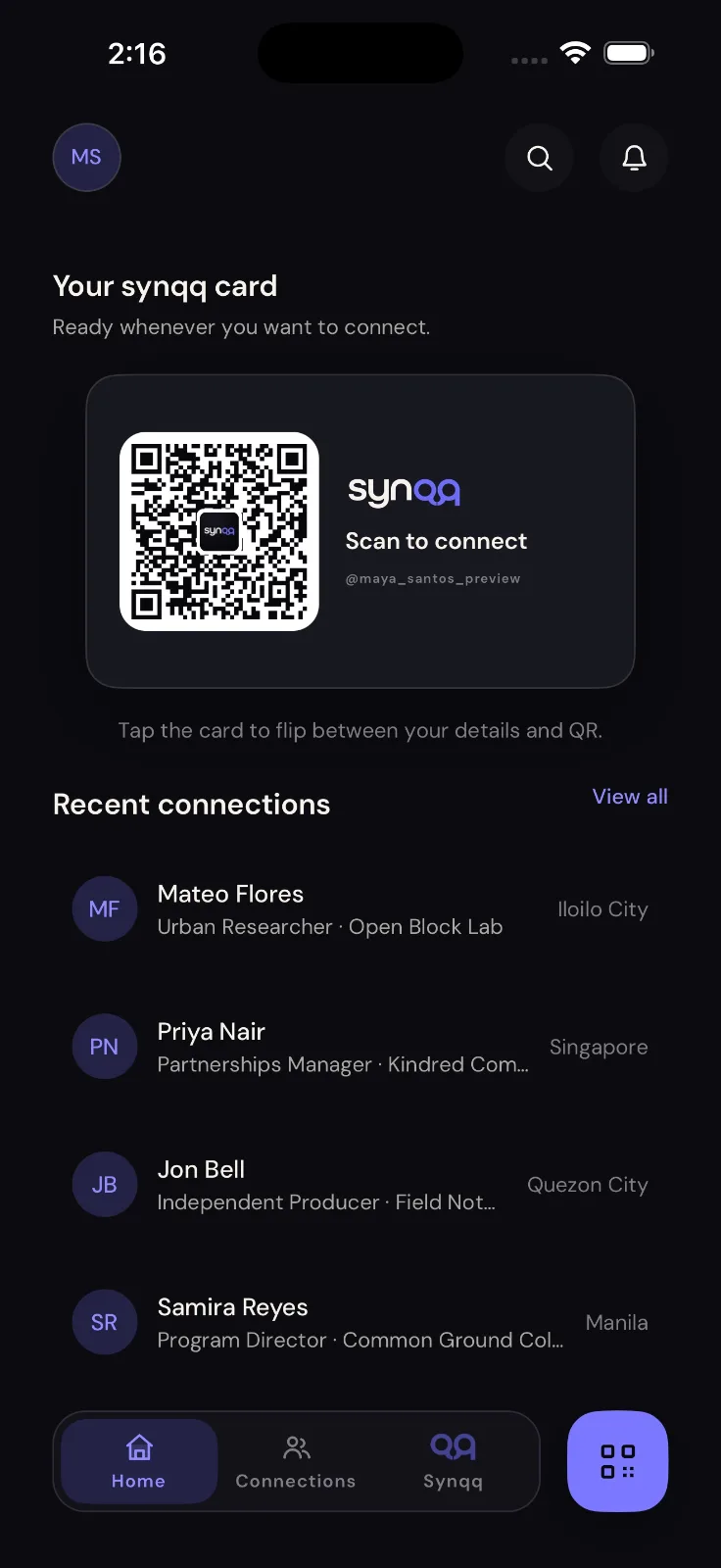
- Share your personal Synqq calling card and QR code
- Scan another Synqq profile and send a connection request
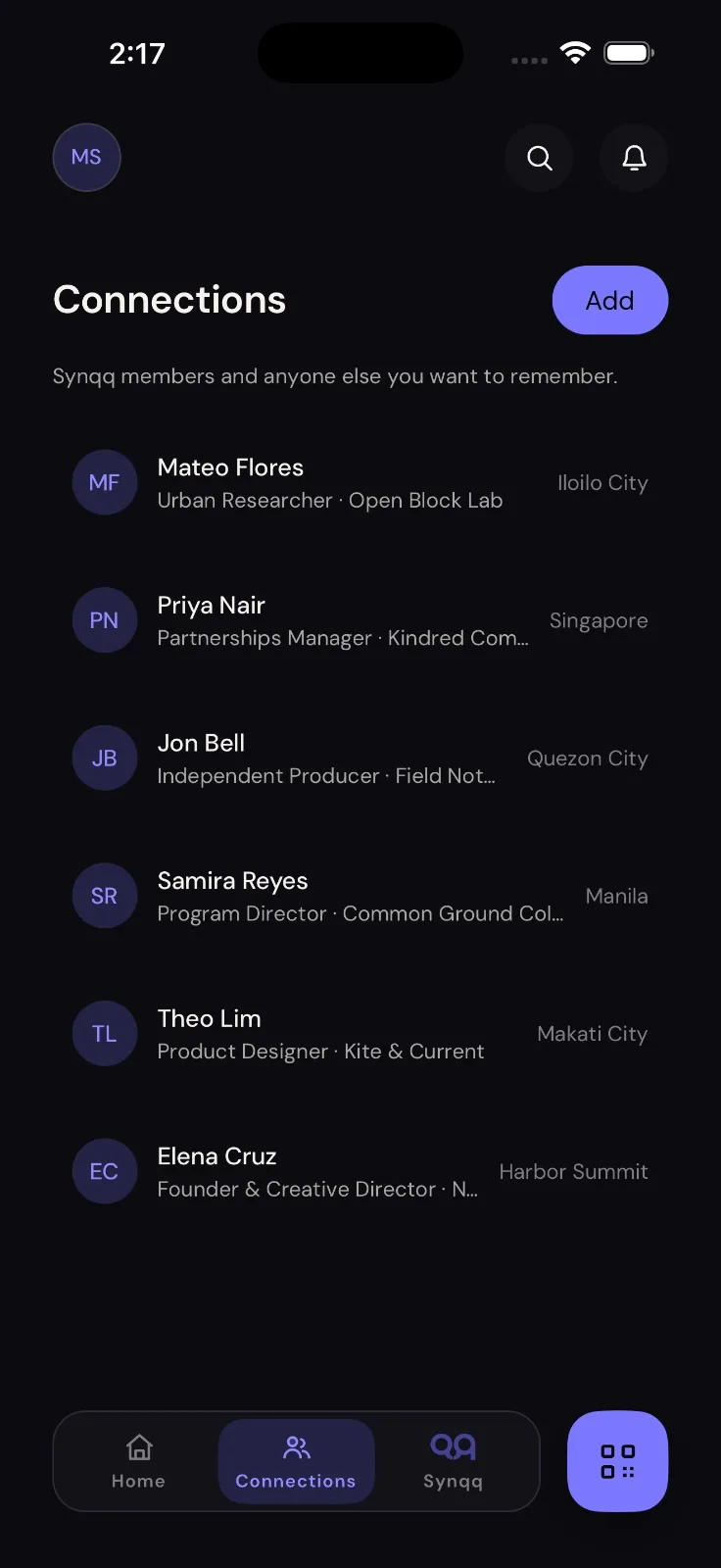
- Add someone manually even when they do not use Synqq
- Keep control of which contact methods appear on your profile
Remember the context
- Record where you met and the type of connection
- Add private notes, tags, event details, and follow-up reminders
- Keep your private context visible only to you
- Report profiles, remove connections, or block another Synqq user at any time
- Chat directly with accepted Synqq connections
Find the right person again
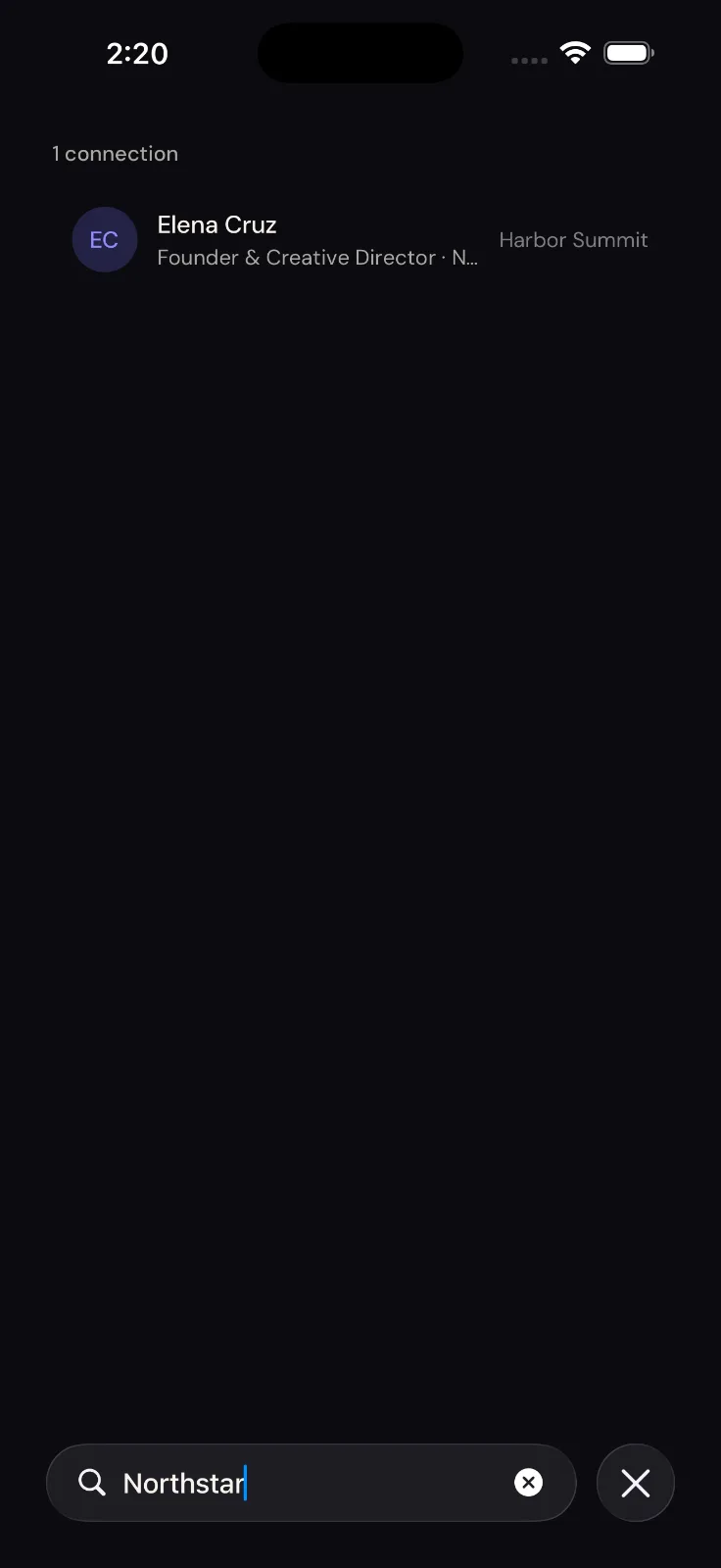
- Search by name, company, place, event, tag, note, or follow-up
- See recent connections and upcoming follow-ups together
- Open email, phone, website, and social details from a connection
Synqq Premium
- Scan a calling card or profile screenshot into an editable contact draft
- Import contact details from a public portfolio, profile, or business URL
- Import public website QR codes
- Manual and Synqq-to-Synqq QR connections are available on Free, up to the 50-connection account limit
Private help on supported Apple devices
Synqq AI uses Apple Intelligence on device to help search connections, read or update your profile, and show your QR. Premium can also summarize, compare, organize, and help draft from saved connection context. Your chat prompt is not sent to Synqq or a third-party cloud language model. Actions you approve can access your Synqq account to return or update the requested data.
Synqq uses an account so your profile, connections, and private relationship memory are available through the service. You can permanently delete your account and its associated data from Profile at any time.
Privacy Policy: https://synqq.dianoiatech.com/privacy
Terms of Use: https://synqq.dianoiatech.com/terms
Create cute, interactable, and so pretty digital gifts and love letters
Wherever you go, someone's always by your side.

Discover stores, earn rewards, collect stamps, and build streaks all in one app.
Sign in to join the discussion.
Sign in to commentBased on 0 reviews


No comments yet. Start the discussion with something useful.