1. Capture & Import - Scan documents via camera with auto edge-detection, crop, perspective correction, and multi-page capture into a single PDF. - Import existing PDFs/images from device storage. - Save output as PDF or image (JPEG/PNG), user's choice.
2. Private, Hidden Storage - All saved files are stored in the app's private sandboxed storage directory — never in the public Camera Roll / Gallery / Downloads. - Files are excluded from: - Android: `MediaStore` indexing (no thumbnails in Gallery apps) and `.nomedia` enforcement at the directory level. - iOS: Files app visibility (no `UIFileSharingEnabled`), and never written to the Photos library. - Optional: encrypt files at rest (AES-256) so even a file-system-level snoop sees unreadable blobs.
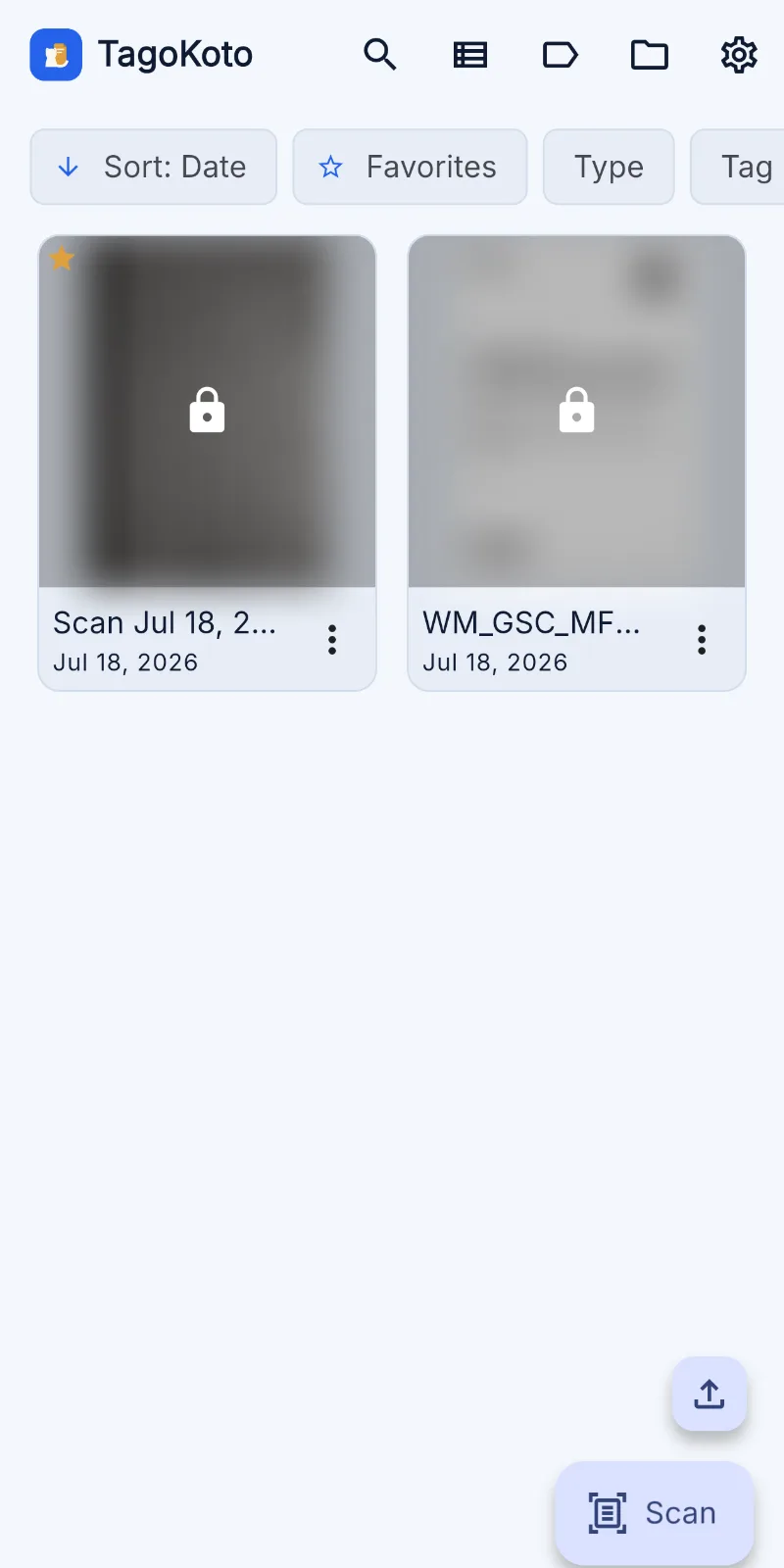
3. Organization - Custom tags (multi-tag per document). - Folders/collections (optional layer on top of tags). - Full-text search across filenames, tags, and OCR'd document text. - Sort/filter by date, tag, type, size, favorite.
4. Viewing - In-app PDF viewer and image viewer (pinch-zoom, page navigation, rotate). - Thumbnail grid + list view toggle.
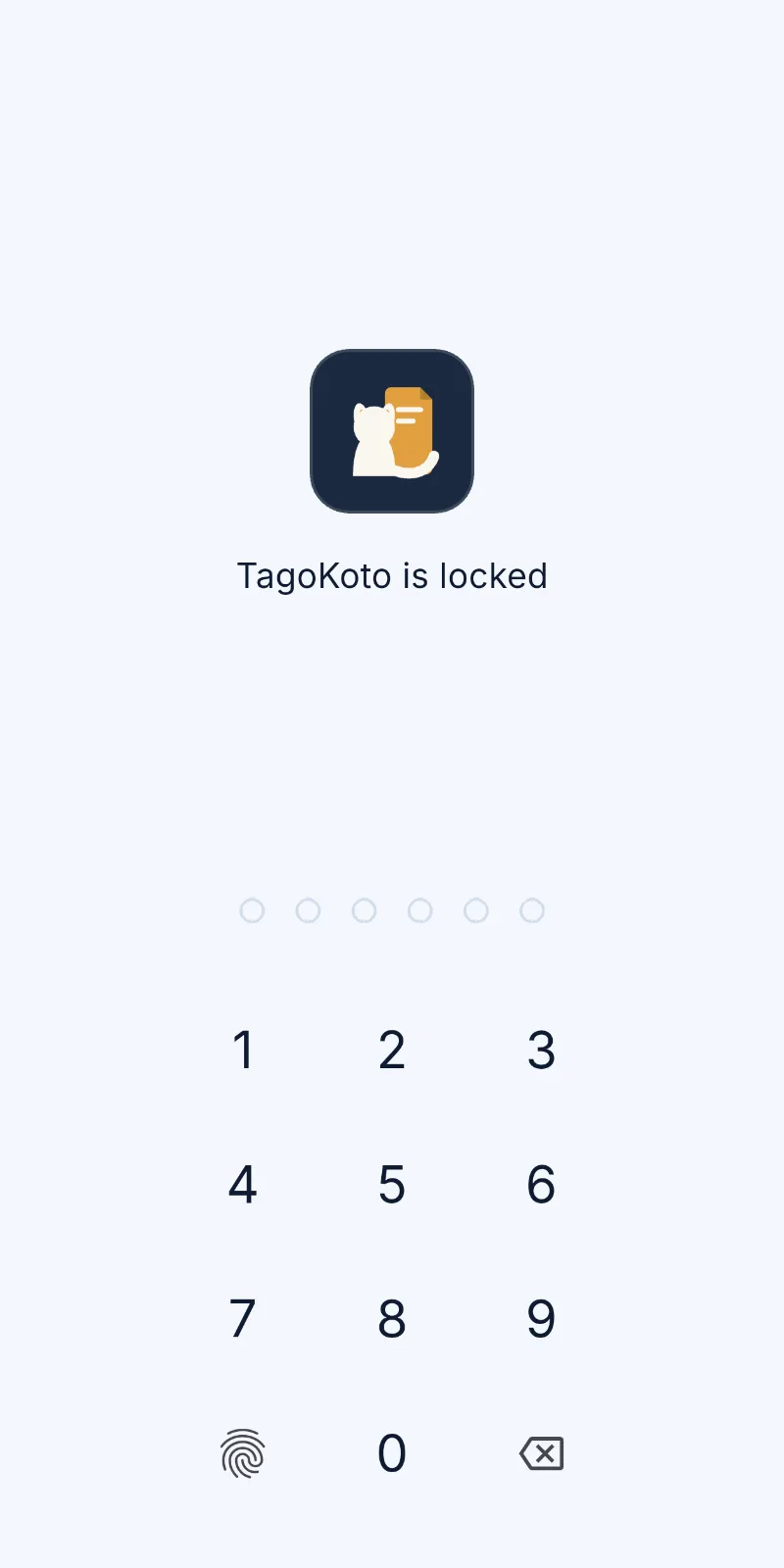
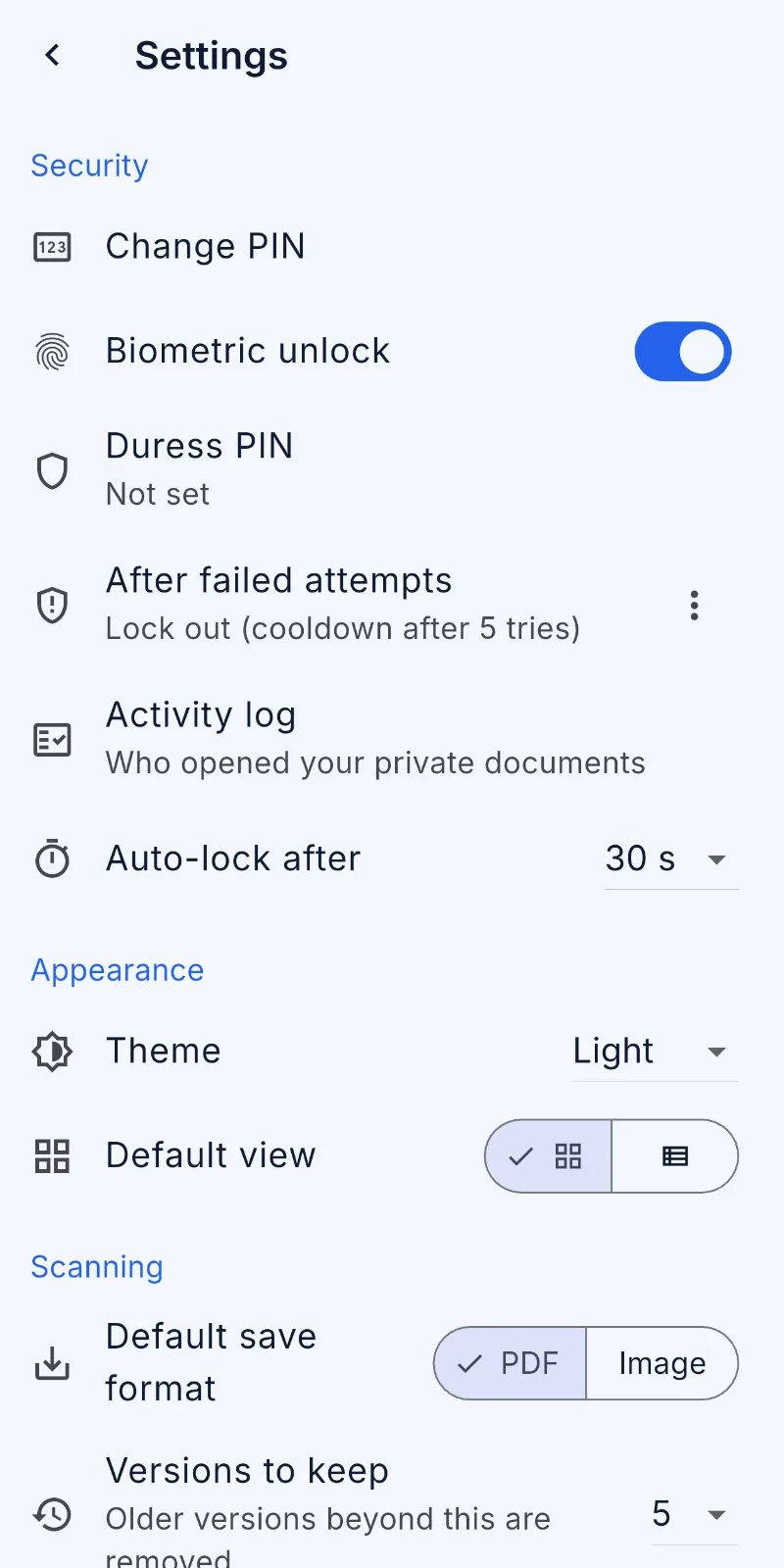
5. Security - App-level lock: PIN/passcode. - Biometric authentication (Face ID / Touch ID / Android BiometricPrompt) as an alternative/quick-unlock. - Per-document or per-folder lock: mark specific files "Private" requiring a second authentication step even after the app is unlocked. - Auto-lock on background/timeout. - Screenshot/screen-recording prevention on sensitive screens (`FLAG_SECURE` / iOS screen capture detection).







No comments yet. Start the discussion with something useful.