

DomoDomo
All in One Agentic Tool Hub


Start with structure, not with confusion
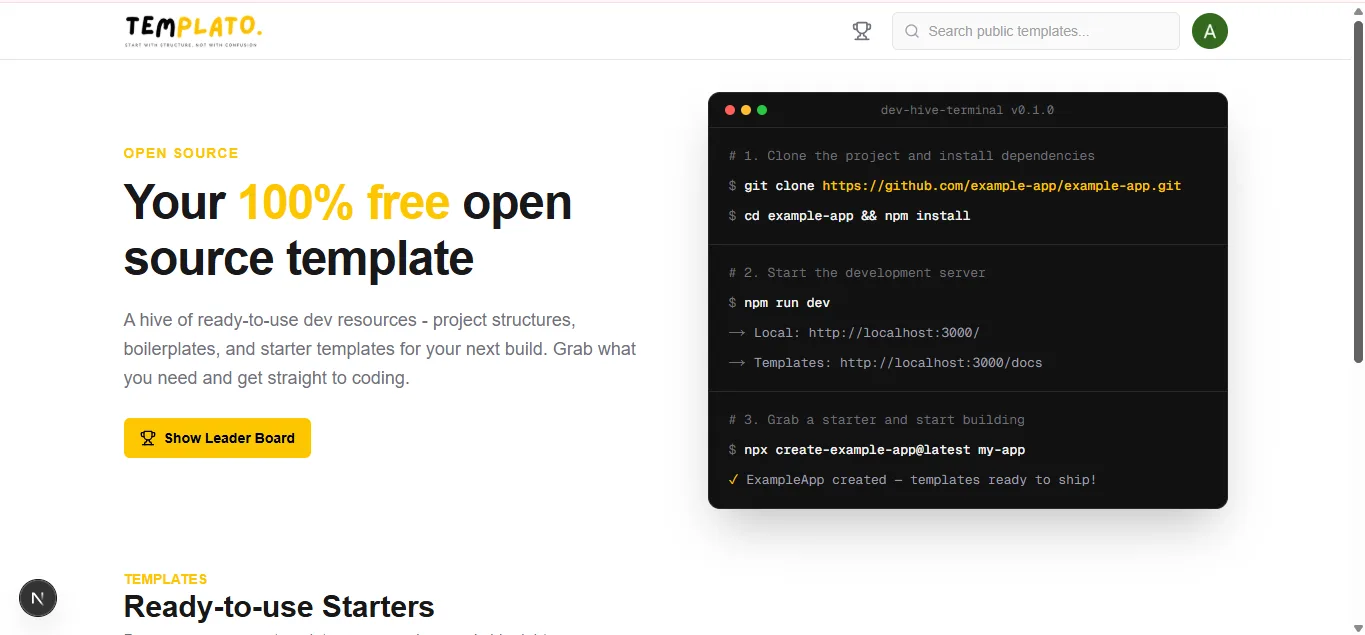
I built this for beginners who don’t know how to structure a project yet.
You know that moment when you want to build something, open your editor, and freeze? Where do the files go? Why does every tutorial look different?
This app gives you a clear structure so you can start building instead of guessing. If you get lost, the markdown files explain how everything works in plain language.
No more blank-folder panic. Just start.
HOW TO USE?
1. Open the site
2. Sign in
3. If you want to USE a template (beginner path)
That’s it. No blank folder. No “where does this file go?”
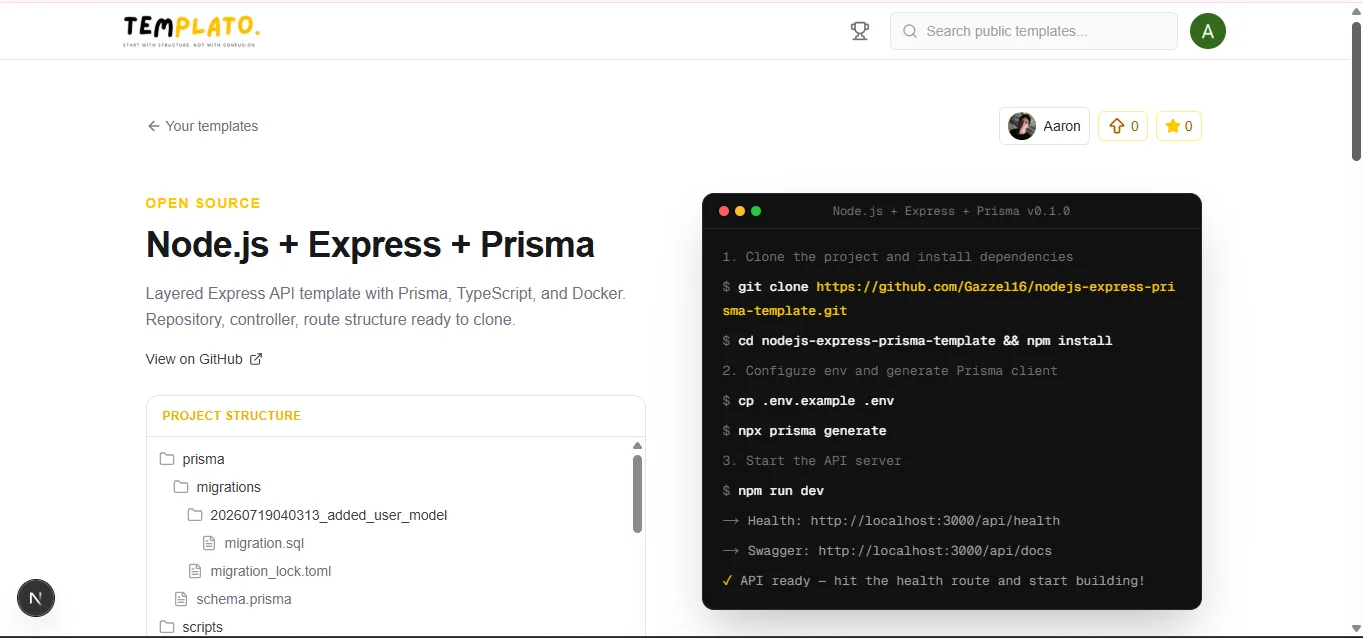
4. If you want to SHARE your GitHub repo (creator path)
Then:
Step 1 — Template card
Done. You just “uploaded” your git — by linking it.
Other beginners can now open it, read the MD files, follow your terminal steps, and clone the repo.
5. Badges + certificate (if your GitHub gets stars)
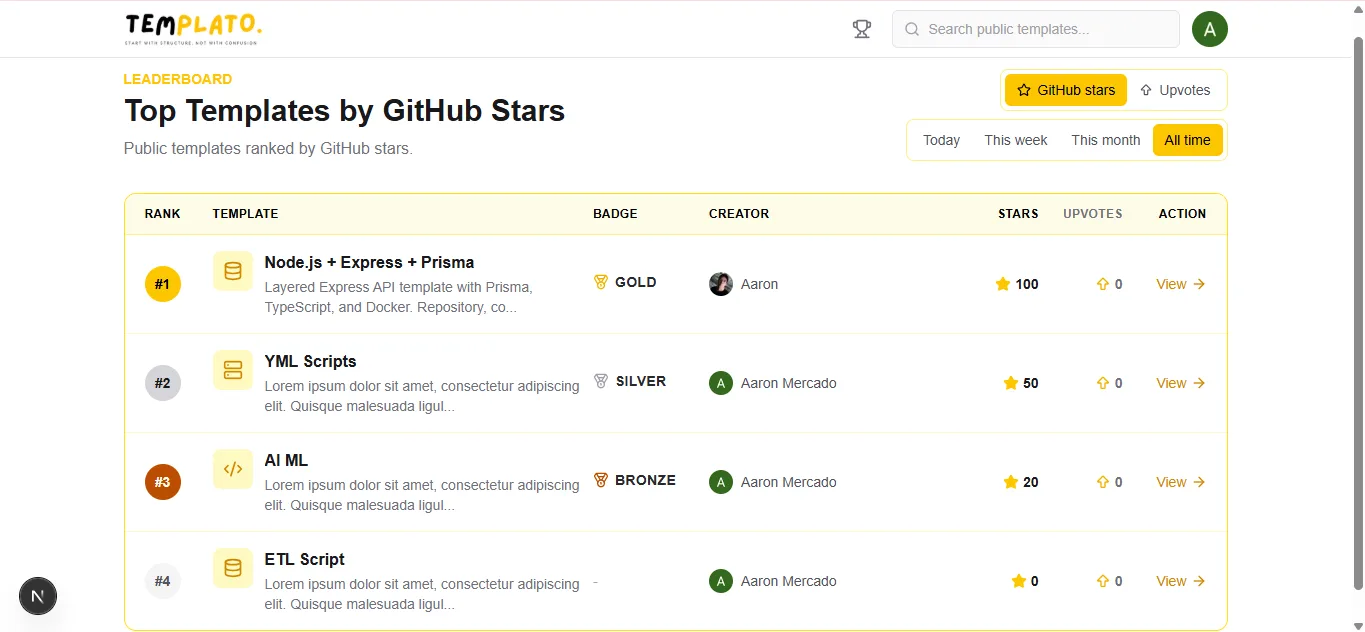
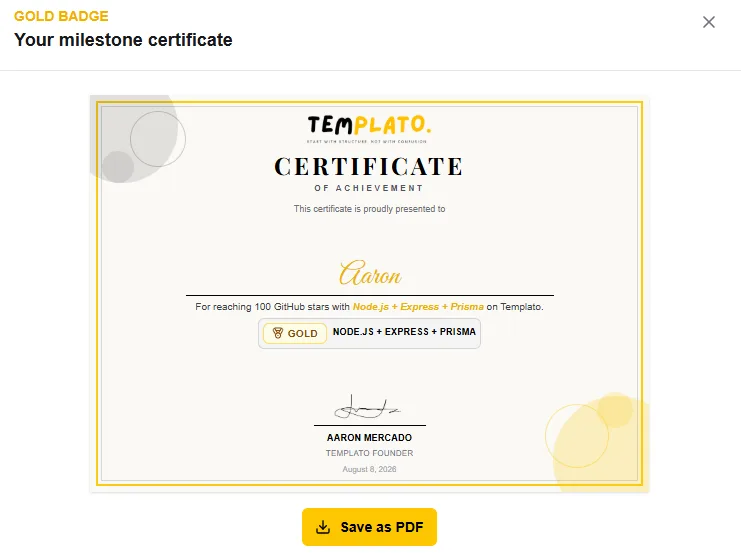
If the GitHub repo linked to your template hits enough stars, you unlock a badge and a certificate (You can use this certificate in your portfolio).
Stars You get:
All in One Agentic Tool Hub
Create cute, interactable, and so pretty digital gifts and love letters
Create professional certificates in minutes—for free, with no sign-up required.
Sign in to join the discussion.
Sign in to commentBased on 0 reviews




No comments yet. Start the discussion with something useful.